a pomodoro timer for iPhone
Focus for a little while.
Little While is a small timer for working in cycles: a stretch of focus, a real break, and around again. Something nice to look at while you work, and a little calendar of the time you put in.

Free. Version 1.1.1, for iOS 18 or later.
Focus, rest, repeat
The idea behind a pomodoro is simple: work for a while, then actually take the break. Little While makes the break part of the plan.
- 1.
Focus
Pick a stretch of time, anywhere from 1 to 120 minutes, and put your phone face down.
- 2.
Rest
When focus ends, Little While lets you know and goes right into your break. Set it to 0 if you only want the one block.
- 3.
Again
Turn on Loop and the next focus block starts when rest ends. It keeps going until you stop, and counts every cycle.
A pause that doesn't let you wander off
A paused timer usually turns into a forgotten one. So in Little While, pausing gives you one minute, then picks back up on its own. Tap play to come back sooner, or stop if you're really done. Your progress is saved either way.
Something nice to look at
Each theme is a tiny scene that keeps time with you. Or pick Boring, a plain countdown, if you'd rather. With Reduce Motion on, they all sit still.
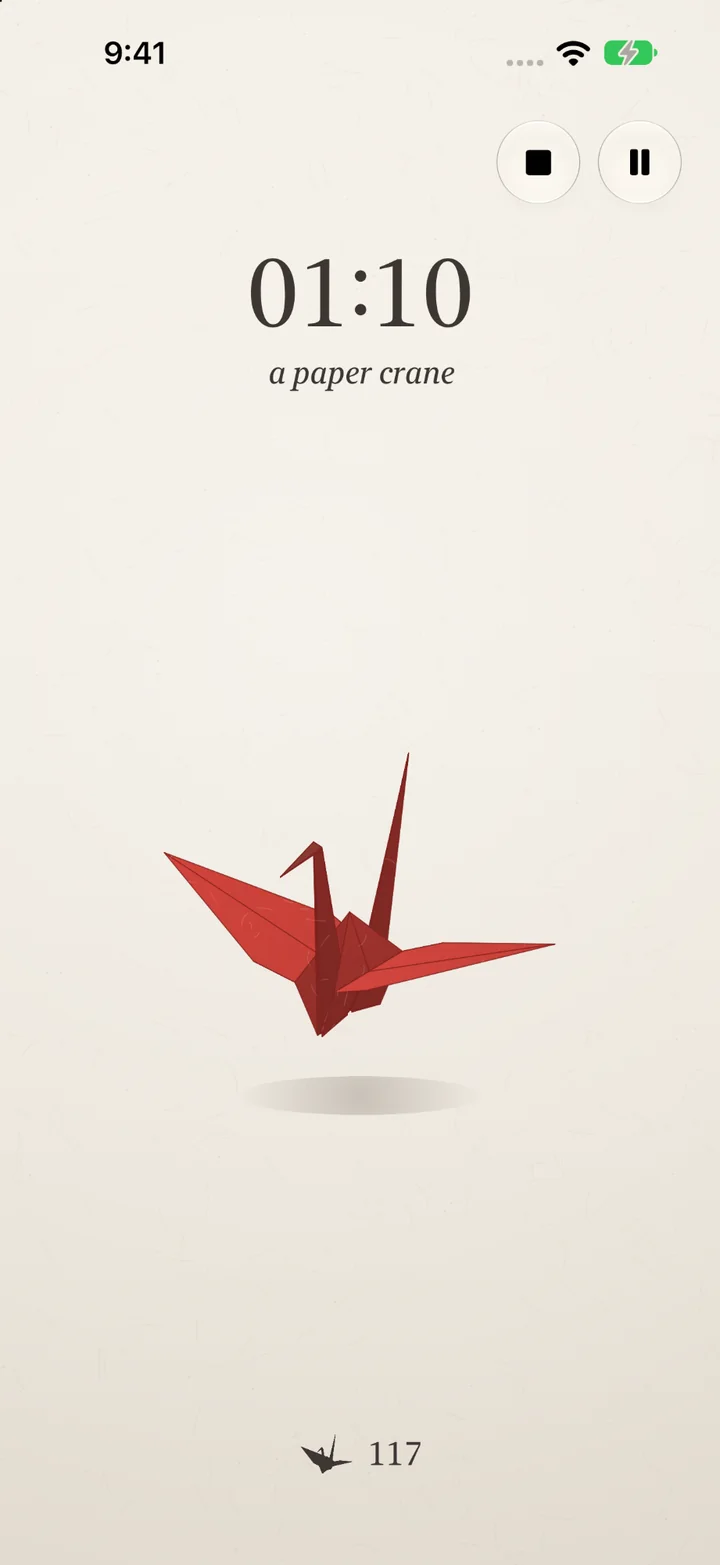
a paper crane
A square of paper folds into a crane, one for every minute of focus, each in its own color. It remembers how many you've folded.
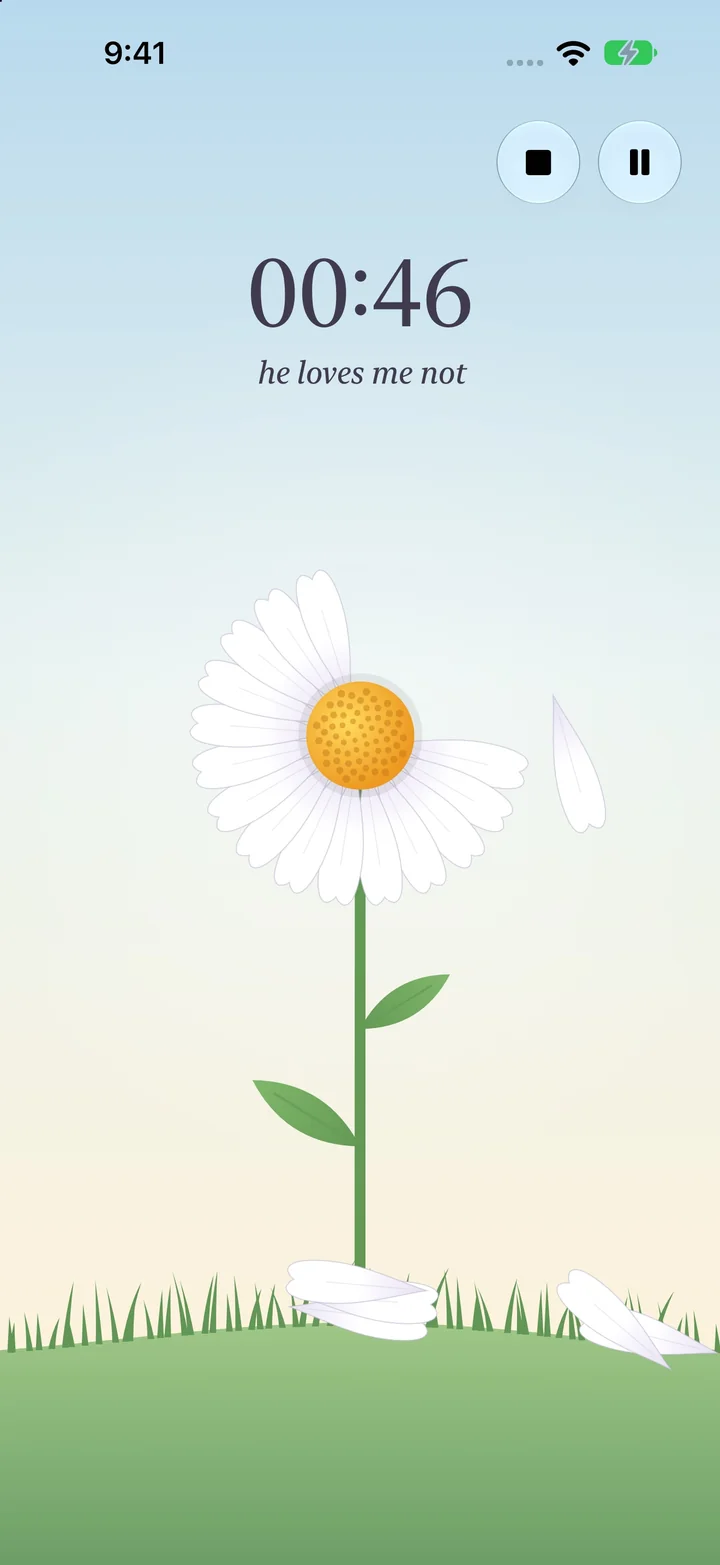
he loves me not
A daisy lets go of its petals one at a time as the minutes pass. He loves me, he loves me not.
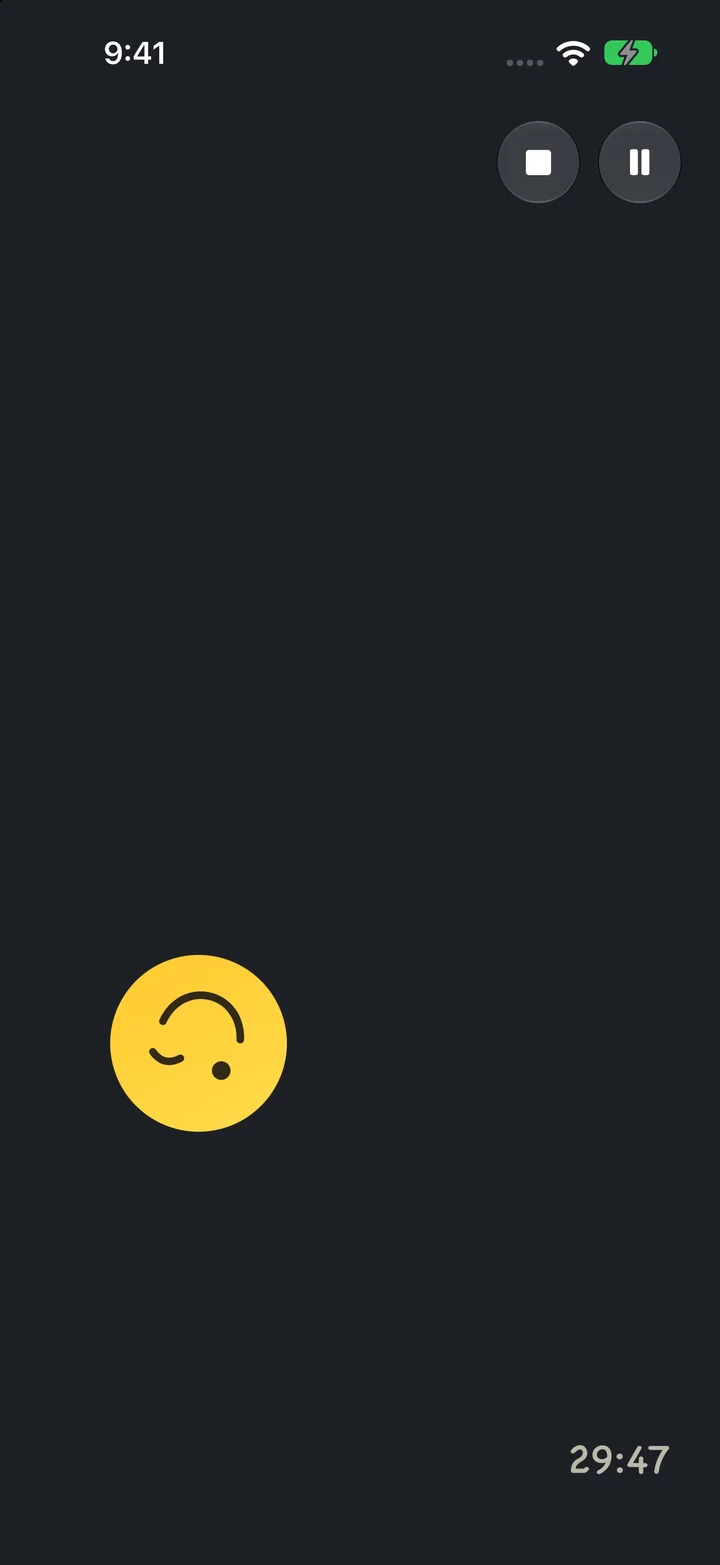
Mr Smiles
He bounces around the screen while you work. You can grab him and flick him off the walls, if you need a minute.
Watch it add up
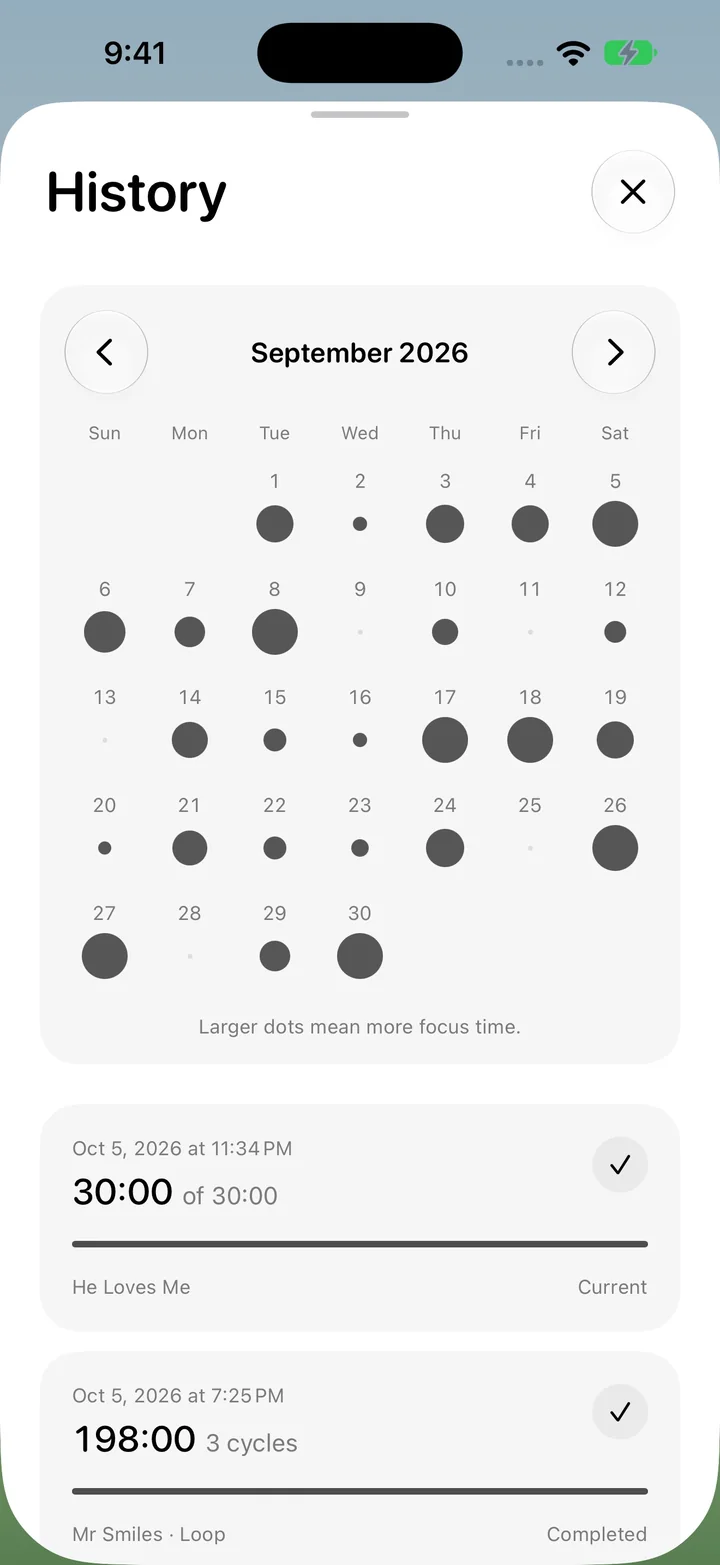
Every run is saved. A calendar puts a dot under each day, and the more you focused, the bigger the dot. It's a quiet way to see your good weeks, and a gentle nudge on the slow ones.
Below it, each run lists when it was, how long you went, the theme, and how many cycles you finished. Swipe one away if you'd rather not keep it.
On your Lock Screen
A Live Activity shows the time left and whether you're focusing or resting, on the Lock Screen and in the Dynamic Island.
Alarms you'll hear
On iOS 26 and later, the end of each focus and rest rings like an alarm, even in Silent mode or a Focus. You can stop it right from the alert.
Just yours
No account, ads, analytics, or tracking. Your settings and history stay on your iPhone.
Try it for a little while
Free on the App Store, for iPhone. No account, nothing to sign up for.